Keep requests in one queue.
Viewers pick a video and trim their moment. See what’s playing and what’s up next, then reorder or skip when you need to.
For streamers
and their moderators.
Media sharing, with your team.
Let viewers share their next video moment. You and your mods review the requests, manage the queue and decide what plays.
One Twitch login for broadcasters and moderators.
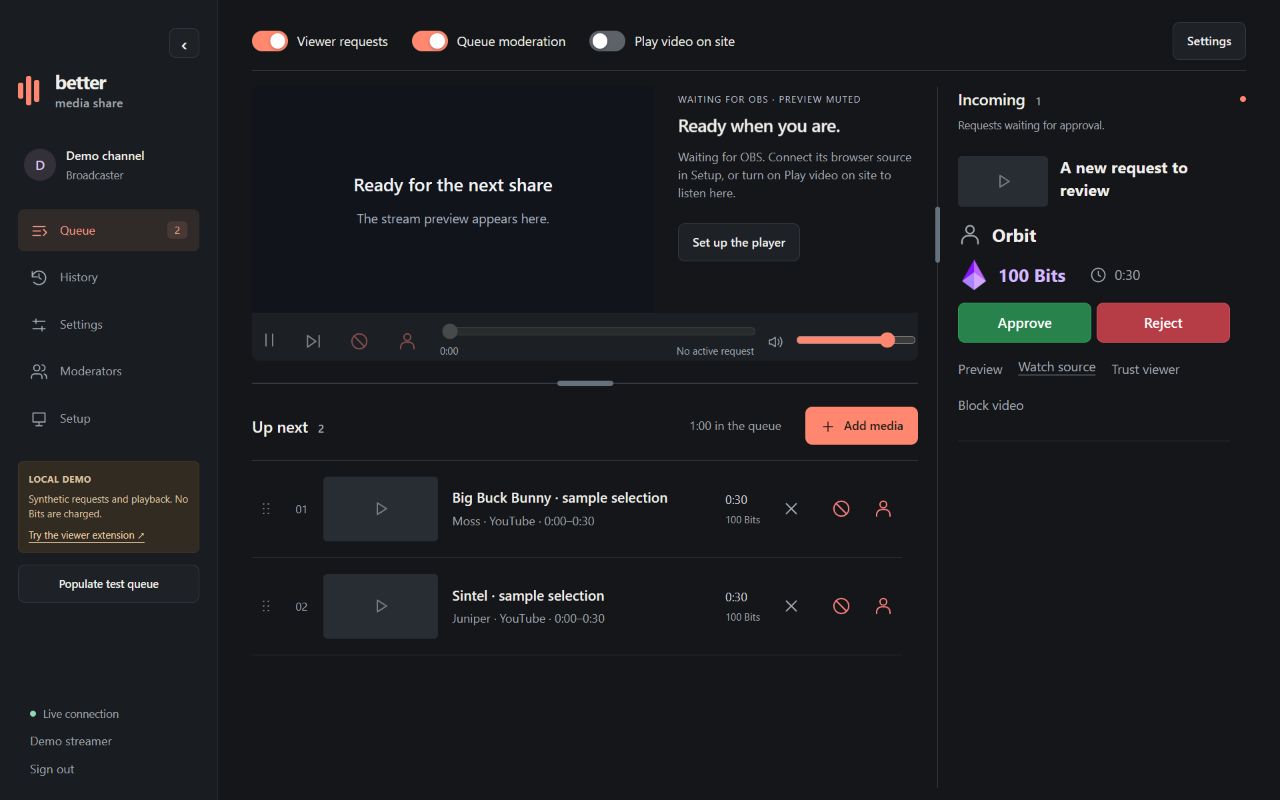
Viewers pick a video and trim their moment. See what’s playing and what’s up next, then reorder or skip when you need to.
Keep new requests waiting for approval. You or an authorized mod can preview, approve or reject them before they reach the stream.
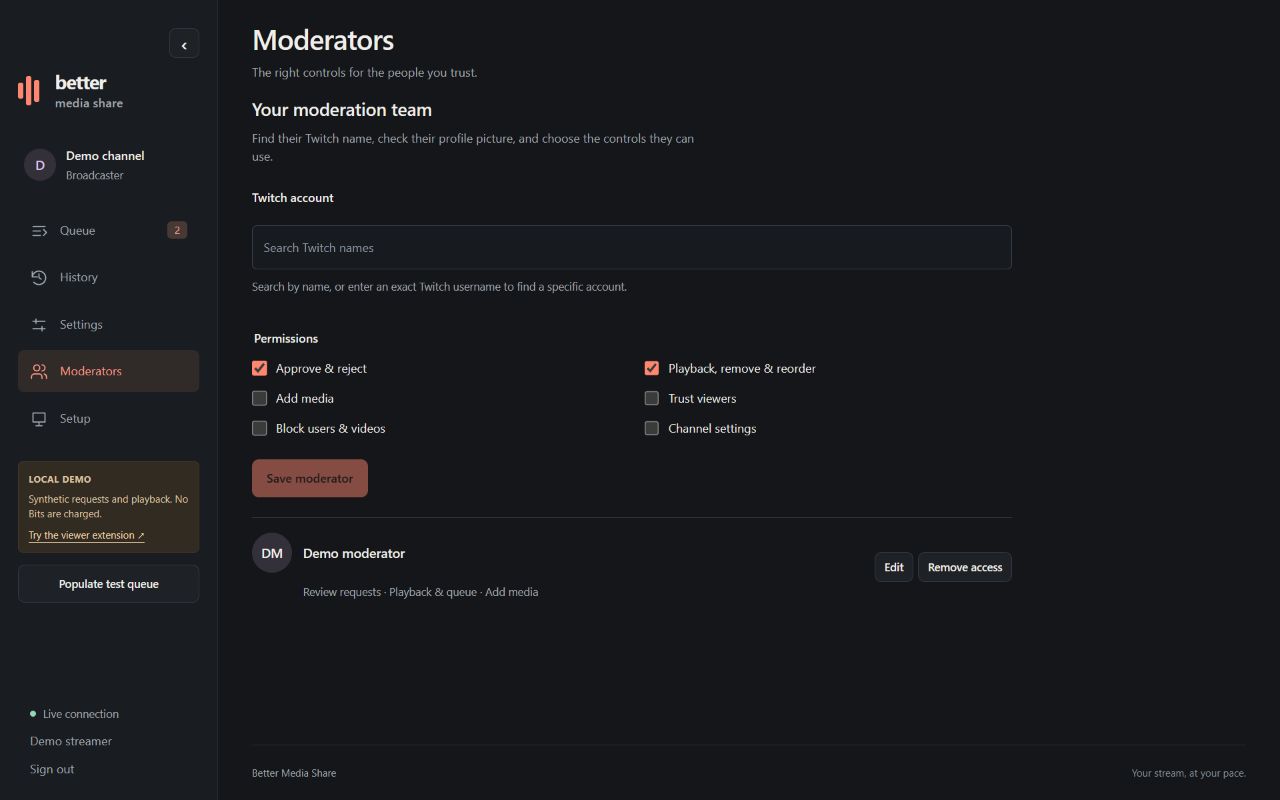
Add moderators by Twitch name. Choose who can approve requests, manage playback or change settings. They log in with their own Twitch account.
Connect your OBS browser source in Setup.
Drag a handle to reorder. With a keyboard, press Space on a handle, then use the arrow keys.
These viewers skip review when trusted-viewer approval is enabled.
These accounts cannot submit new media to your channel.
Block a specific video regardless of who submits it. User blocks and video blocks are managed separately.
Find their Twitch name, check their profile picture, and choose the controls they can use.
Sample videos work immediately. To paste other YouTube links or search YouTube, load your own YouTube Data API v3 key for this local session.
Keys are session-only unless you choose to remember them in the Windows preview launcher. Remembered keys are encrypted for your Windows account. It is never included in OBS links. Your Google API quota applies. Accounts and Bits remain synthetic.
Create a private browser source URL, then add it to OBS as a Browser source. Use a width of 1920 and a height of 1080. The player fits the full video, larger title and progress bar inside the source.
Keep this URL private. Creating another immediately revokes the previous URL.
In OBS, enable Control audio via OBS and check its Audio Mixer. If autoplay is blocked, right-click the source, choose Interact, then Start playback. The browser source connects to the same service as this dashboard.
Viewers submit from the extension on your channel. Install and activate it as a video overlay, component or panel in your Twitch dashboard. Mobile support follows the extension configuration. During Hosted Test, only allowlisted accounts and Twitch reviewers can use it.
Check whether Better Media Share is active on this channel.
Open extension previewPreview uses the local synthetic demo.
Choose pricing, request length, and moderation before opening submissions. Review every request until your team is comfortable with the queue.